 Privacy support
Rights first
Use only your own images or files you are allowed to edit

A private AI clothes remover belongs only in permitted workflows. Upload a photo you own, a self-portrait, licensed art, or a model image with clear rights, then review a generated result with attention to pose, lighting, body edges, and consent.
Already have access? Open your workspace
Use only your own images or files you are allowed to edit
Uploads should stay in a controlled session, not a public feed

Natural results depend on the original photo, pose, and lighting

Modern image editing is no longer just a filter. A responsible undress AI workflow starts before processing: the user must have rights to the file, every person in the image must be an adult, and the edit must be for a lawful, consent-based purpose. That matters because a photo is not neutral data. Faces, tattoos, birthmarks, pose, body shape, and background details can identify a real person even when the file name is changed.
The actual editing flow is simple on purpose. Choose an option, upload one clear image, let the model analyze clothing boundaries, skin tone continuity, lighting direction, shadows, and fabric edges, then review the result before doing anything with it. If the source photo is blurred, compressed, cropped too tightly, or shot in harsh light, no AI tool can honestly promise a perfect output in seconds. Good results come from good input.
A realistic AI image result is built from visible evidence in the original photo. The model reads the pose, shoulder angle, torso rotation, clothing folds, background contrast, and how light falls across the body. A relaxed standing pose with clear arms, a single person in frame, and enough resolution usually gives the tool more information than a mirror selfie, group crop, heavy shadow, or motion blur.
Quality also depends on what you are trying to change. Removing a loose jacket, changing a top, or creating a fashion-style variation is different from rebuilding a hidden body area from almost no visual information. When the file does not contain enough detail, a professional workflow should make that limitation clear instead of pretending that every image can become high quality instantly.
Try a clear photo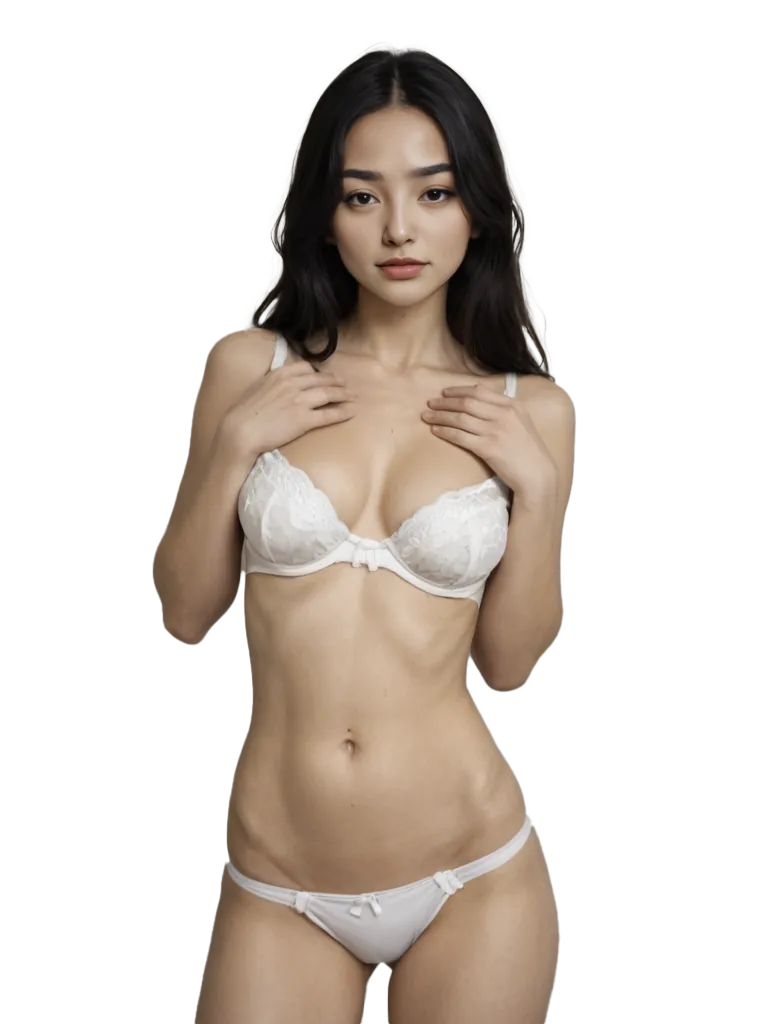

Privacy is not a slogan for a photo editor. If a service receives a face or body image, it may be handling personal data. In many privacy frameworks, encrypted or pseudonymized information can still count as personal data if someone could use it to identify a person again. That is why a private AI clothes remover should minimize what it collects, avoid public posting by default, and make deletion and support paths easy to find.
Consent is just as practical as encryption. The U.S. TAKE IT DOWN Act became public law in 2025 and focuses on nonconsensual intimate visual depictions, including digital forgeries. The FTC also describes AI-created intimate media shared without permission as nonconsensual distribution of intimate images. In the UK and Australia, official online safety discussions treat deepfake image-based abuse as a real-world harm, not a harmless technical trick.
That context changes how we talk about tools. Words like deepnude, undress, clothing remover, face swap, and adult image generator are searched online, but the responsible use case is narrow: adult-only, consent-based, rights-cleared, private editing. The product should never be used on strangers, classmates, coworkers, public figures, minors, stolen photos, leaked files, or images copied from social profiles without permission.
Use private editing responsiblyPractical guide
An undress AI app is often described with fast words: instant, free, one click, no blur, premium quality, realistic body, or advanced technology. Those words are easy to write and hard to prove. A useful homepage should be more concrete. The quality of the result depends on whether the uploaded photo has enough information for the model to infer a natural edit, whether the lighting is consistent, whether clothing boundaries are visible, and whether the person in the image has clearly allowed the transformation.
The best input file is usually a high-resolution photo with one adult person, full body or clear upper body framing, natural light, minimal compression, and no heavy filters. The app can work faster when the pose is readable: shoulders are visible, hands do not cover key areas, hair is not blocking clothing edges, and the background does not blend into the clothes. A low quality image can still process, but the final result may look synthetic because the model has to guess too much.
AI clothes editing is also different from ordinary art generation. A generic art generator can create a new fictional body from text. A clothes remover works with a specific image, so it must respect the image rights, privacy expectations, and identity of the person shown. If the person is real and identifiable, the ethical standard is higher. If the file is synthetic, licensed, or a self-portrait, the workflow is clearer, but it still deserves careful handling because generated images can be copied, saved, and shared outside the original session.
There is no serious privacy model where "we changed the image" automatically means "we no longer have personal data." An edited file can still reveal a face, likeness, body feature, room, mirror, tattoo, or other identifier. A service built for private images should treat upload, processing, preview, download, support, and removal as one connected experience. The user should know what is happening to the file, where the result appears, and how to stop using it.
Digital provenance matters too. NIST's work on synthetic content points to several practical defenses: provenance, labeling, detection, prevention, testing, and auditing. C2PA Content Credentials are one technical standard for certifying the source and history of media. They are not magic, and metadata can be stripped, but the direction is important: AI images need more context, not less. A private editing tool should make room for transparency instead of treating every generated file as if it arrived from nowhere.
For users, the simplest rule is still the strongest one: edit only images you have the right to edit. That includes your own photo, a commissioned model shoot with permission, licensed stock, AI-generated art where the license allows editing, or a file created for a private adult project with documented consent. It does not include someone else's social media photo, a leaked file, a revenge request, a public figure image, or any image involving a minor. If that boundary makes a request impossible, the request should stop there.
Use a clear photo, natural lighting, visible clothing edges, and a pose where the body is not hidden by arms, hair, furniture, or heavy shadows.
Seconds can be enough for a preview, but high quality still depends on resolution, composition, and how much information the original image provides.
A private workflow should avoid public galleries, keep uploaded content separate from marketing examples, and provide clear support for deletion or misuse reports.
Consent for taking a photo is not the same as consent for editing, publishing, or sharing it. Treat each action as a separate permission.
Our offer is simple in practice: yes, you can get a preview, see whether the upload is usable, and then decide whether to continue. This does not mean every file will work. A responsible AI clothes remover is designed to point out quality limits before you spend credits, especially when the original photo is cropped, over-filtered, or missing the visual detail needed for a realistic result.
Do not drop random photos, videos, or scraped platform content into the service simply because the tool is fast. Set up a separate private folder, keep private work secure, use encrypted storage where available, and remember that processing still takes place on servers, so you should not upload anything you could not show to the person yourself. If a service offers no clear removal path, no support contact, or no policy for misuse, that is a practical reason to stop.
We also do not frame this as a porn shortcut, a deep fake workaround, or a way to bypass consent. If the goal is creative art, use synthetic or licensed content and re-check the rights before publishing. An AI generator can help create fictional references, but GeneratorAI-style outputs still need human review when the image may look like a real person.
An Undress AI App is an image editing service that uses machine learning to change or remove clothing in a photo. The safe version of that idea is limited to adult, consent-based, rights-cleared files. It should be used for your own photo, licensed photos, synthetic art, or model content where the person has agreed to the edit.
The tool reads the original image and estimates how clothing, skin tone, shadows, pose, and body contours relate to one another. It can create a more natural result when the input photo is sharp, well lit, and not covered by hands, props, or heavy filters. The model is not seeing hidden truth; it is generating a probable edit from visible clues.
Free access can be useful for testing the workflow, checking upload quality, and seeing whether your photo is a good candidate. Premium credits or paid options usually make sense only after you know the original image is clear, rights-cleared, and appropriate for private editing.
Deepnude is a common search term for AI-generated intimate image edits. Here it is treated as a risk term, not a promise. Nonconsensual deepfake or digitally altered intimate images can cause real harm and may be illegal. The only acceptable use case is adult, private, consent-based editing of images you are allowed to use.
The tool itself is not the whole legal question. The source photo, consent, identity of the person, local law, storage, publication, and sharing all matter. In the United States, federal law now addresses nonconsensual intimate visual depictions and digital forgeries. Other countries have their own rules. If you do not have permission, do not upload the photo.
Use one adult subject, a clear pose, normal lighting, minimal blur, and enough resolution for the model to read clothing edges. Avoid screenshots, low-light mirror photos, heavy beauty filters, group photos, cropped bodies, and images where the outfit blends into the background.
No. A private session can reduce exposure, but a face, body feature, IP address, file metadata, or account detail may still identify a person. Treat every uploaded photo as sensitive information. Do not upload files you would not have the right to edit, store, or discuss with support.
The same rights rule applies to every mode. Face swap, video generation, art variation, clothing removal, and body editing all require permission when a real person is identifiable. Synthetic art and licensed model content are easier to handle, but you still need to check the license and intended use.
Document what happened, keep URLs and screenshots if it is safe to do so, and use the reporting routes available in your country. The FTC, Cyber Civil Rights Initiative, NCMEC Take It Down for eligible minors, eSafety in Australia, and platform reporting tools all publish guidance for image-based abuse and nonconsensual AI imagery.
Private trial
Use trial credits to check image quality before you rely on a final result. A good test file is clear, adult-only, and yours to edit. One invitation adds 2 credits, so you can compare multiple options without pushing a poor photo into a premium run.
1 invitation: 2 credits
.jpeg)
Support
Contact support if you need help with account access, credits, a processing issue, a privacy question, or a concern about content misuse. The fastest useful message includes your account email, the approximate time of the upload, and a clear description of the issue without sending someone else's private files.
 Message support

.jpeg)
